
Services · Scan to CAD
Point Cloud to2D DWG.
Precise AutoCAD drawings extracted from your point cloud — floor plans, sections, elevations and façades, drawn to your CAD standard.
Project 01 · Case study
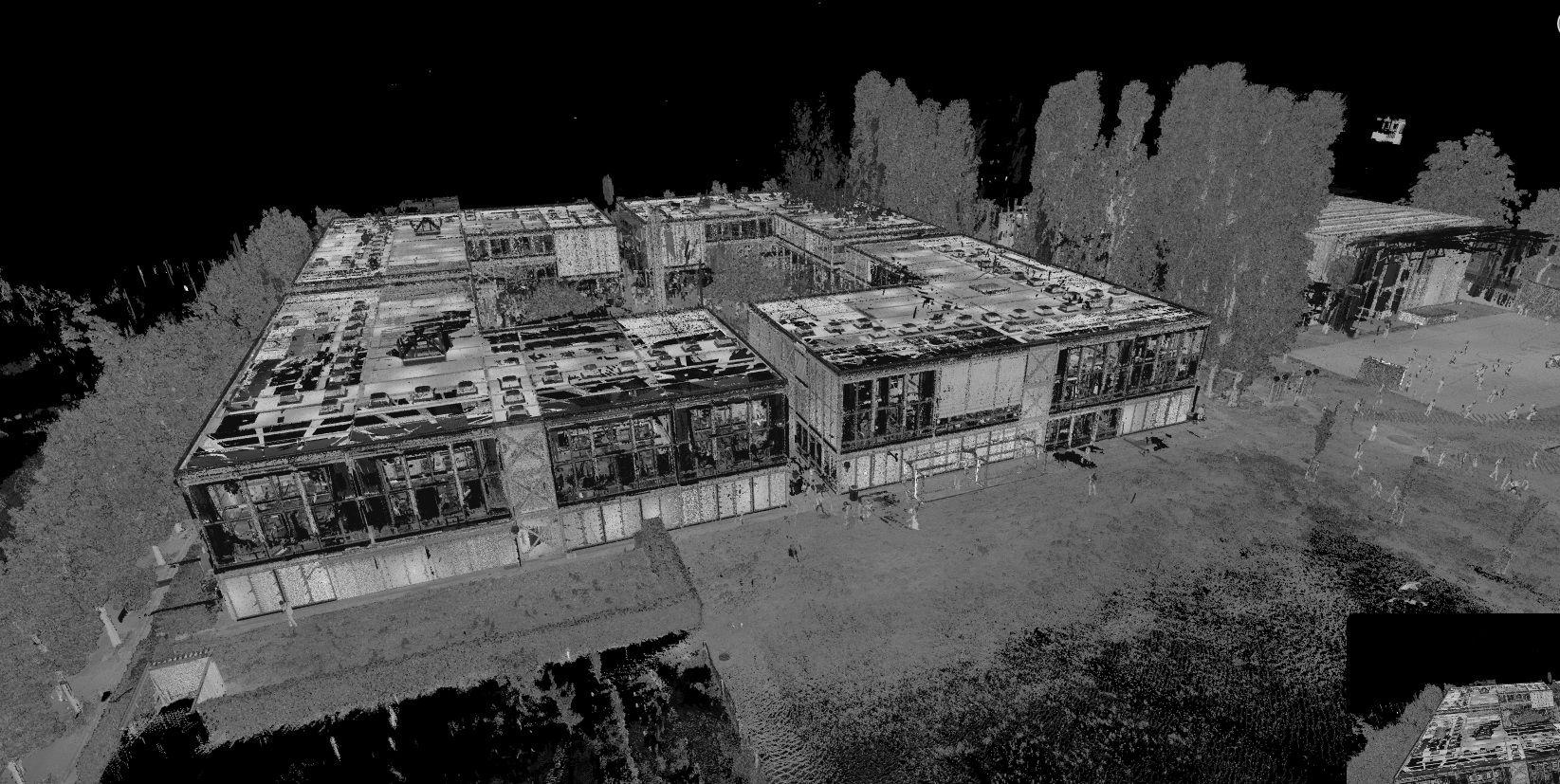
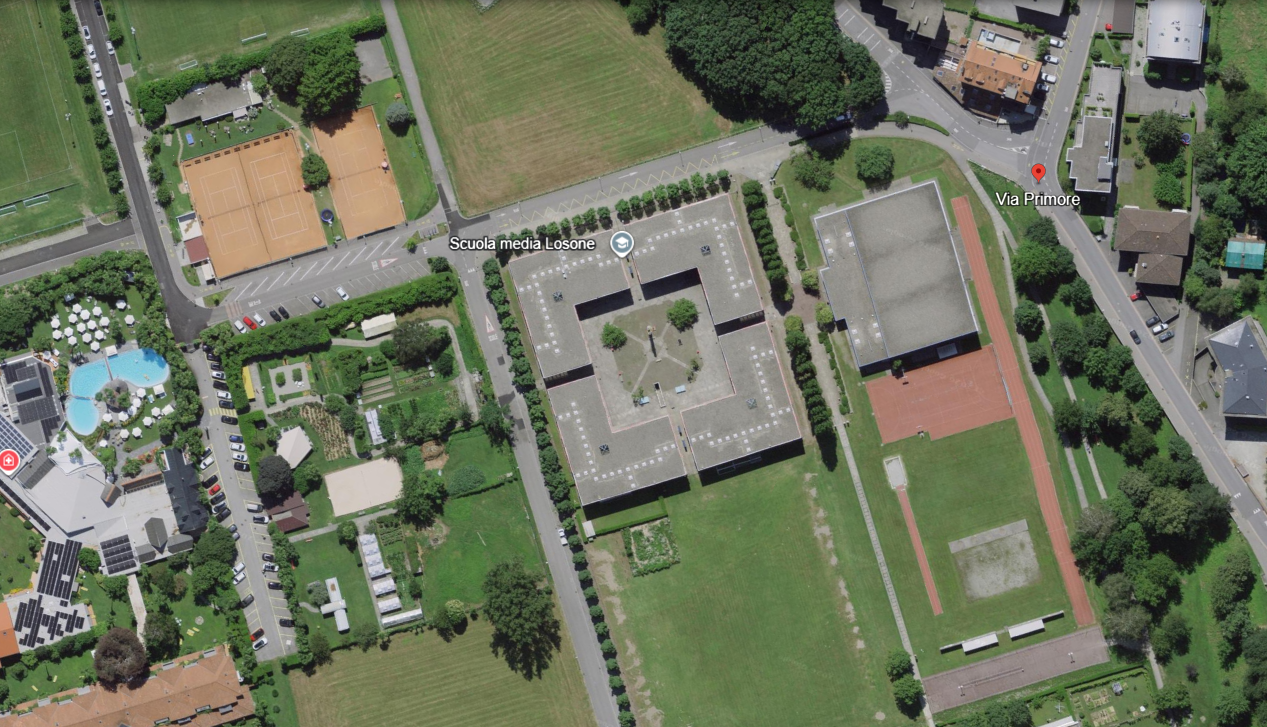
School complex — Point Cloud to 2D AutoCAD
2D digitization of a school in AutoCAD, drawn from a laser-scan point cloud. Deliverables include floor plans, elevations and sections in DWG format at a scale of 1:50.
Scope of work
- 01
Floor plans
Four school blocks (A, B, C and D), each with 3 floors and a roof, plus one basement shared by all four blocks.
- 02
Elevations
All elevations of the four school blocks.
- 03
Sections
Building sections through the blocks.
Shown on the drawings
- Function of every room
- Floor levels
- Floor finish materials
- Clear room height (floor to ceiling)
- Measured dimensions and overall dimensions
- Area of every room
- Position of sanitary fixtures
- Position of technical systems
- Position of all light fixtures
- Position of fixed furniture
Sample drawings — zoom in to see the detail
Project 02 · Case study
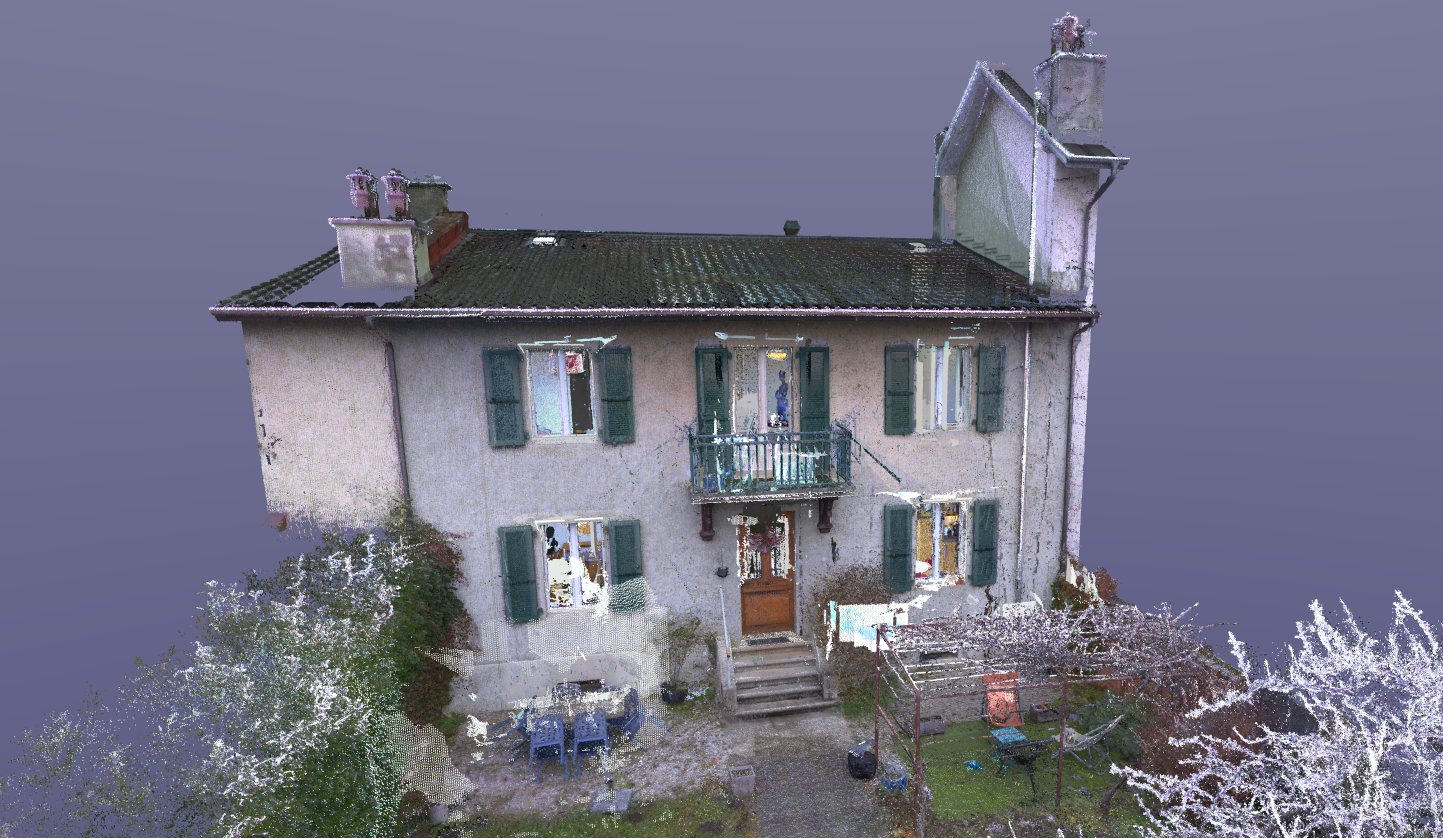
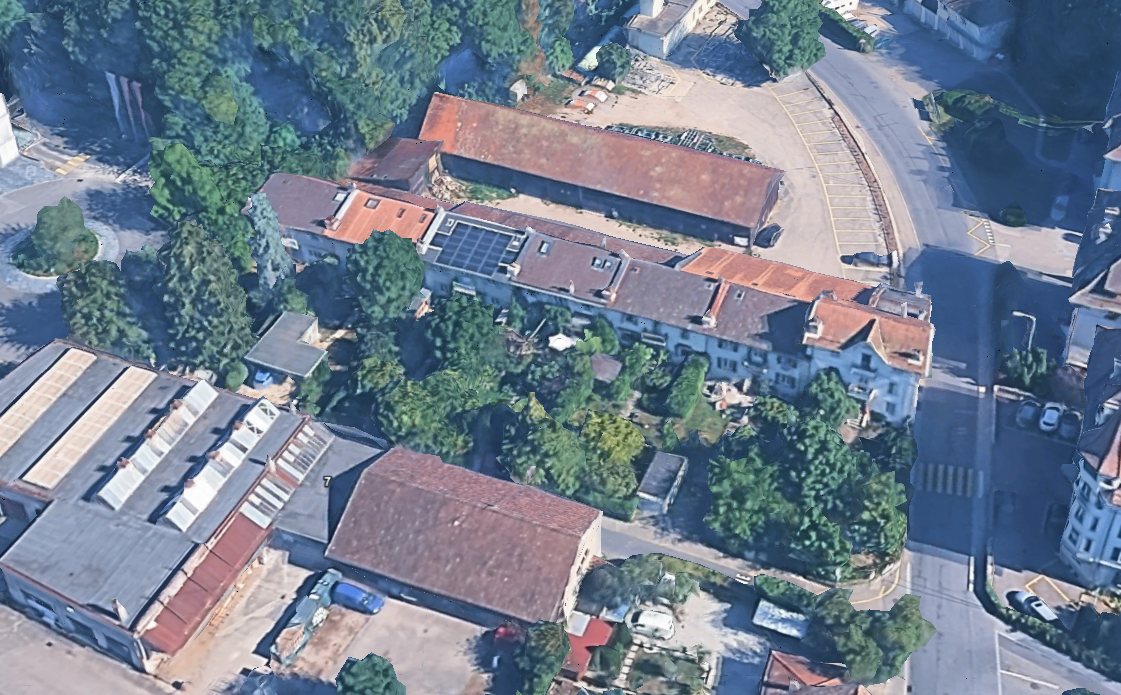
Small house — Point Cloud to 2D AutoCAD
2D digitization of a small house in AutoCAD, drawn from a laser-scan point cloud. A complete set of plans, a façade and two sections.
Scope of work
- 5
Floor plans
Basement, ground floor, 1st floor, attic and roof.
- 1
Façade
Main façade of the house.
- 2
Sections
One transversal section and one longitudinal section.
Sample drawings — zoom in to see the detail
Deliverables
What you receive
Every project is scoped with you first, so you get exactly the files and level of detail you need.
Point cloud formats we accept
- Floor plans for every level
- Sections and elevations
- Façade drawings
- Layers, line types and blocks to your standard
- DWG, DXF and PDF files
- Drawings checked against the point cloud
Workflow
How we work
- 01
Review
We check the scan and agree drawing list, scale and CAD standard.
- 02
Draft in AutoCAD
Plans, sections and elevations are traced from slices of the point cloud.
- 03
Quality check
Dimensions and geometry are checked against the scan.
- 04
Deliver
Clean DWG, DXF and PDF sets, ready to print or build on.
Projects